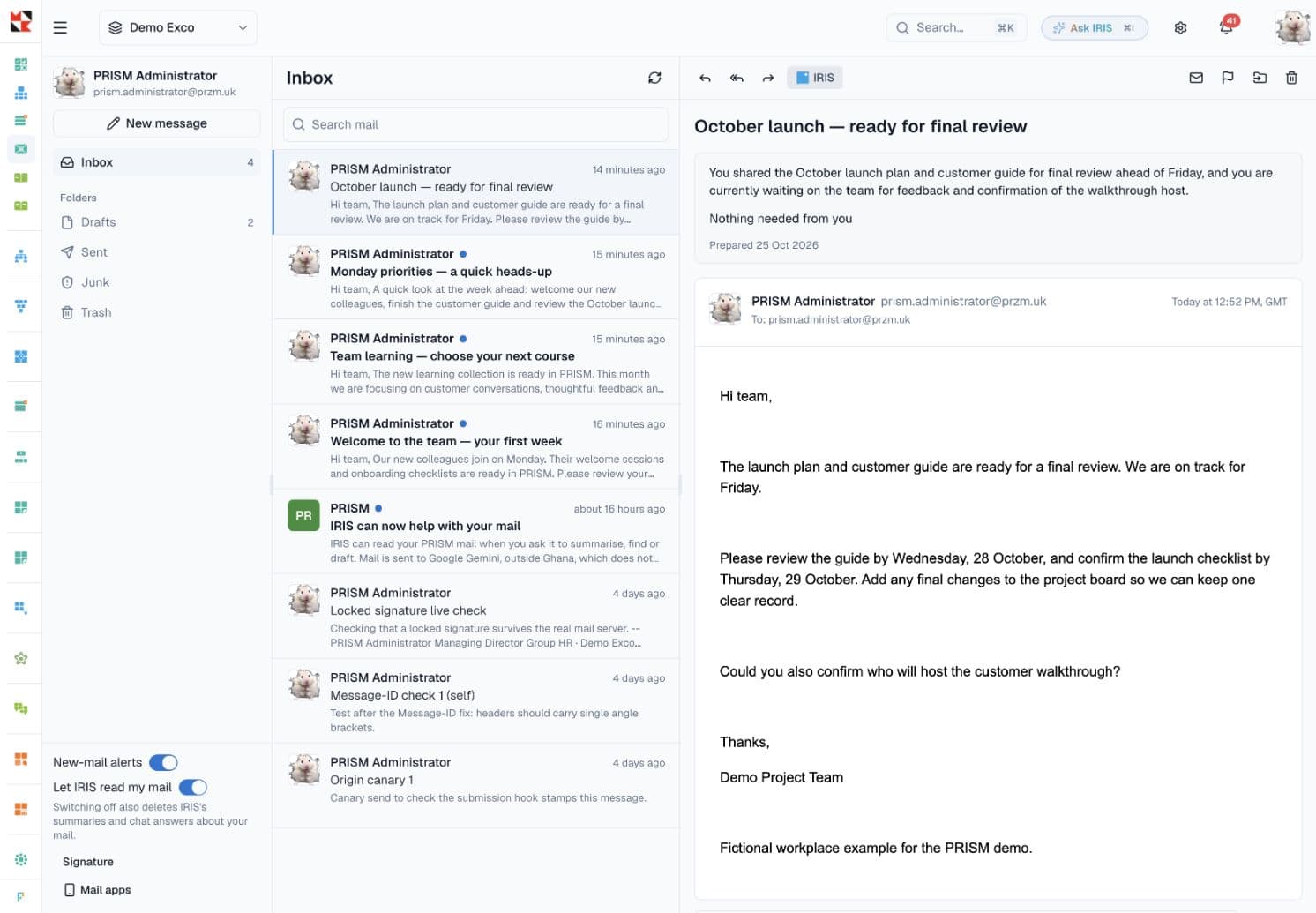
The thread, made clear.
Open IRIS on a conversation for a summary and any asks that need your attention. Turn an open ask into a task you can review.
 IRISWorkplace intelligence
Ask a question. Find the right information. Prepare your next action. IRIS puts workplace intelligence inside the place you already work.
Ask and Actions · Available in beta
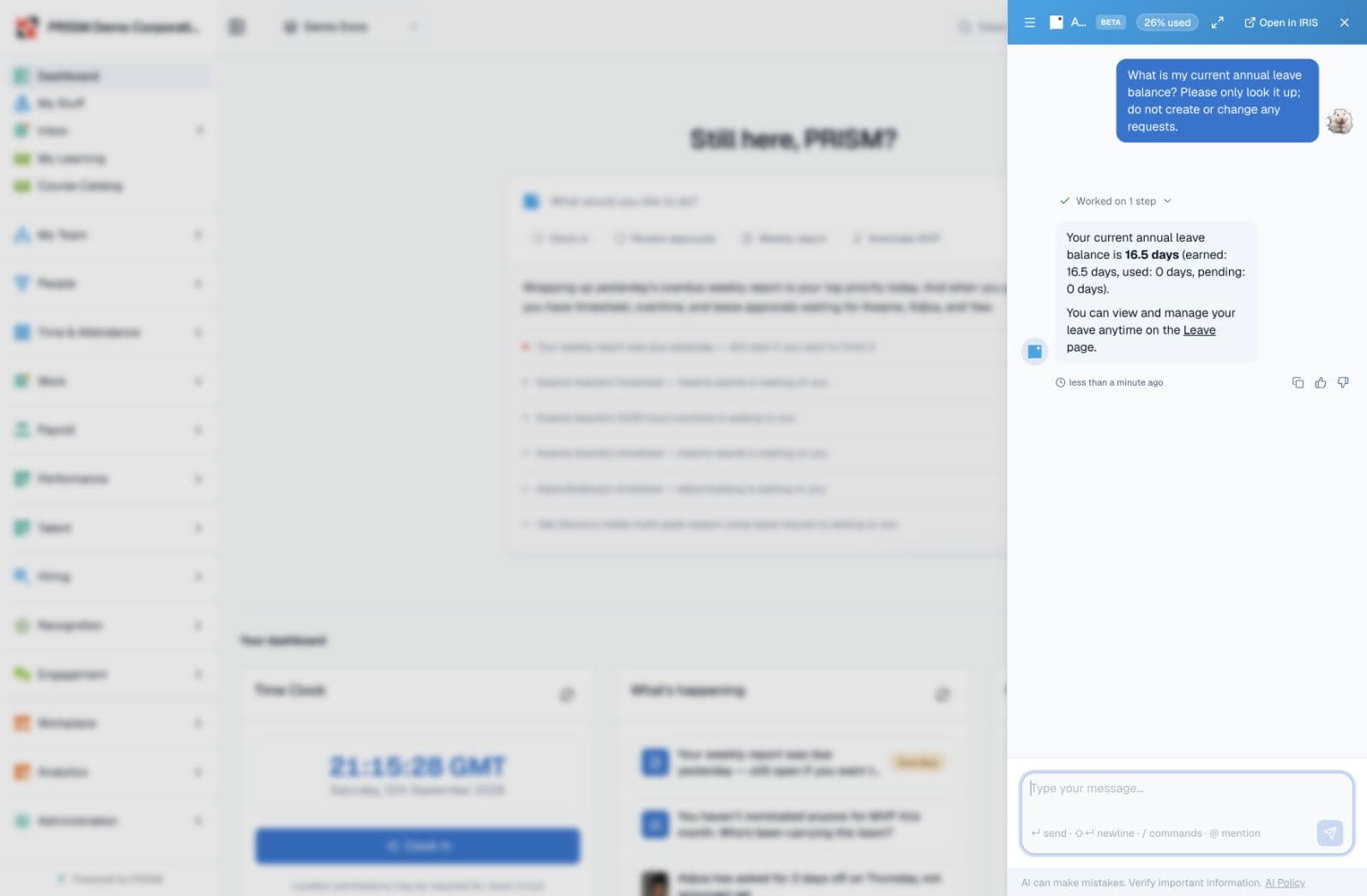
Ask for the answer, or prepare your next action. Both start with the context in PRISM.
Ask about available leave balances, policies and workplace information. IRIS uses the records your access allows.
Explore Ask IRISAvailable in beta.
IRISStart with your annual leave.
Illustrative example from the PRISM demo workspace.
 IRIS in Mail
A little help, right where you need it. Get the gist of a conversation while you read. Find the words while you write.
Open IRIS on a conversation for a summary and any asks that need your attention. Turn an open ask into a task you can review.
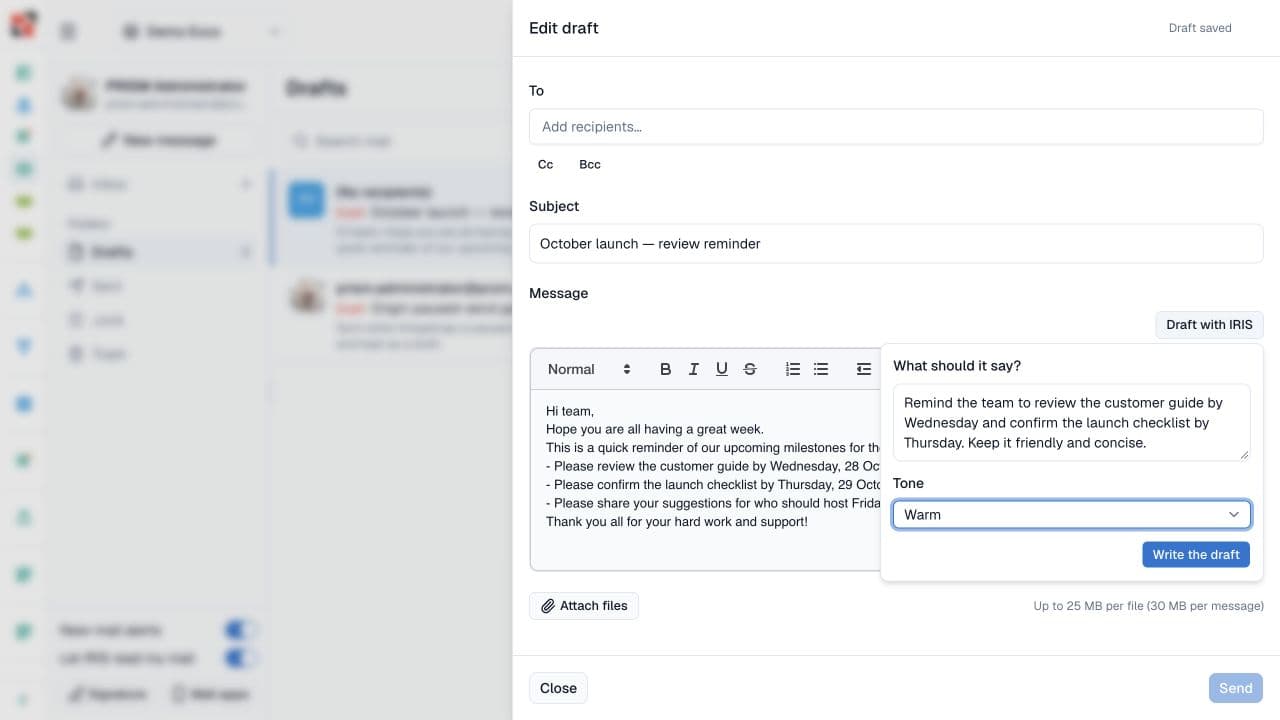
Tell IRIS what you want to say and choose a tone. Get a draft straight in your composer, then edit it until it sounds like you.
You review the words. You press send.
Explore PRISM MailAsk IRIS from your phone and get an answer using your workplace records. Here, a leave-balance question returns the available days and a link to continue in PRISM.
Explore PRISM on mobile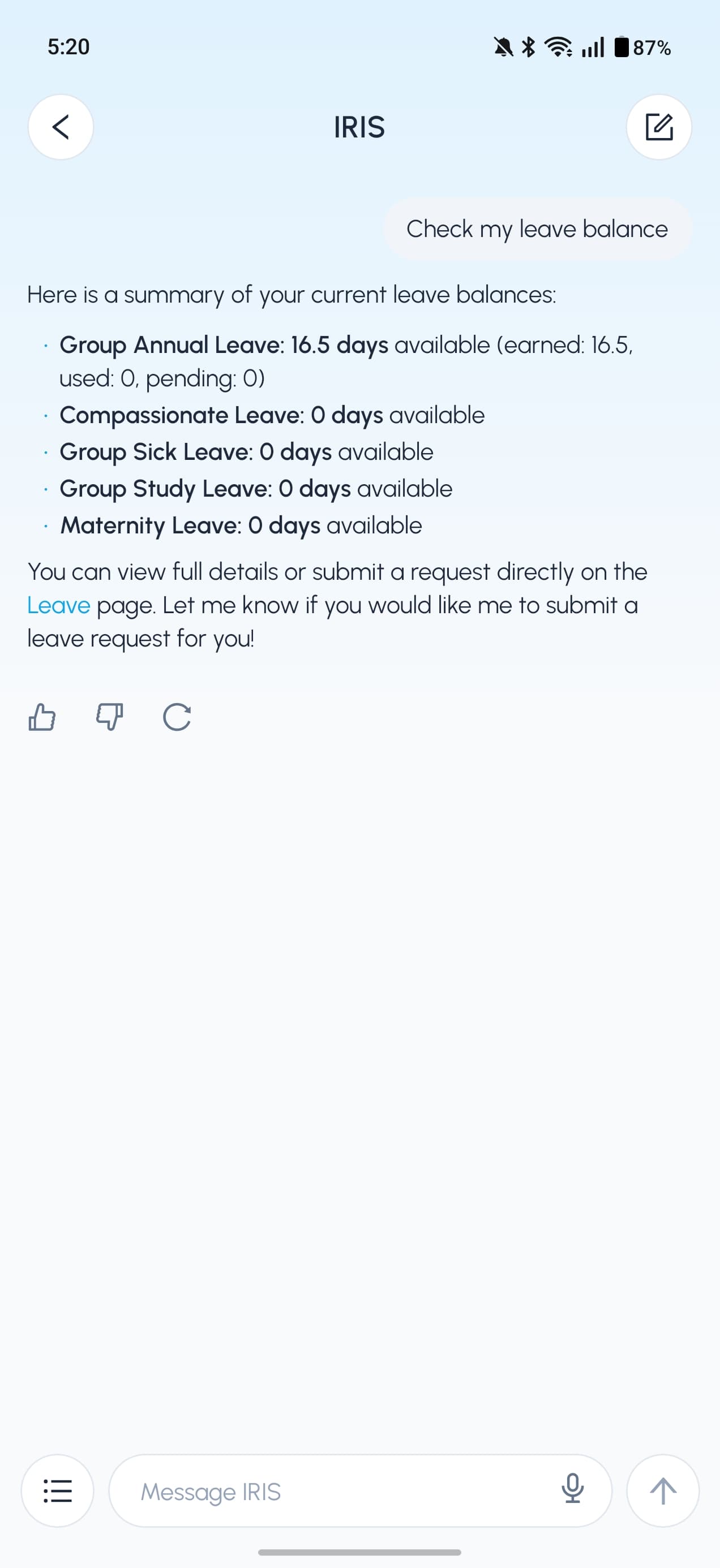
IRIS works within your workplace’s access rules. When an action changes a record, you review the proposed details before confirming.
Read the AI policyAnswers use available PRISM records and context. Check important information against the underlying record.
Your role, entity access and enabled modules determine which information and actions are available.
Action confirmation is your decision to proceed. The normal workplace approval process still applies where required.
Ideas we’re developing for the next chapter of IRIS.
See how PRISM brings your people, work and operations together. We’ll tailor the walkthrough to your business.