Plan work. Log the hours.
Tasks on a board and timesheets in the same module — and approved hours land in payroll.

A board that shows what's blocked.
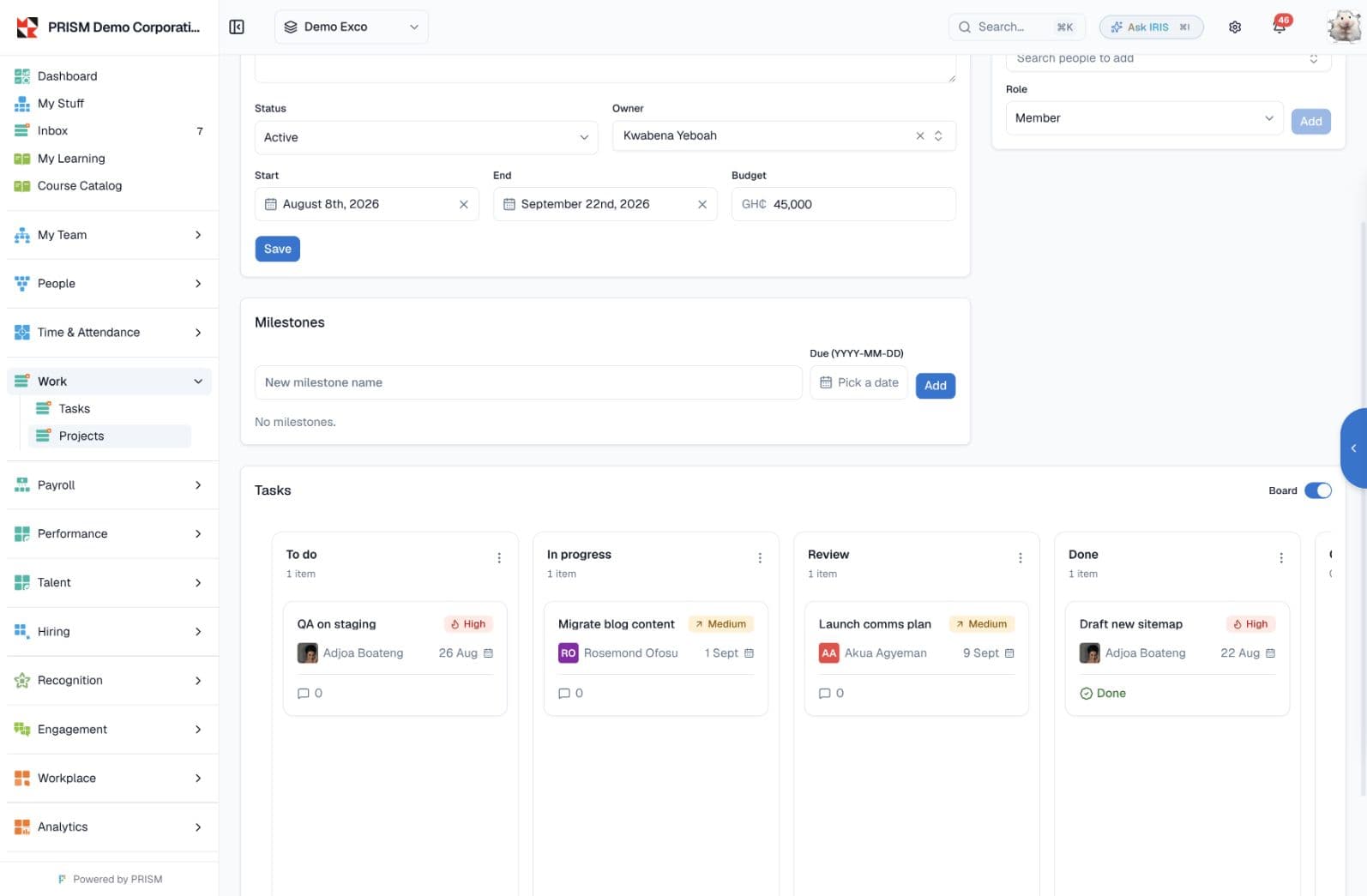
Drag tasks across To do, In progress, Review and Done, or work them as a table. A task can depend on another, and one that's waiting shows as blocked; projects group tasks under an owner.
Tasks & projects
/tasks and /projects — kanban, dependencies
Hours that end up in the pay run.
Staff log hours by day against a project or task, submit the period, and a manager approves it. Approved hours feed the payroll run on a weekly, biweekly or monthly cadence.
Timesheets
/timesheets — periods that feed payroll
Set the rules once.
Define your own task types with a default assignee role, an SLA and whether they need approval. Set the timesheet cadence, the overtime threshold and whether projects are on for each company.
Task types & policy
/admin/settings/task-types
Work Management works with what you already run.
Common questions
Do timesheets feed payroll?
Yes. Once a period is submitted and approved, its hours flow into the payroll run. A policy setting controls the feed, and you can source hours from timesheets or from attendance.
Can I see what a task is waiting on?
Yes. Tasks can depend on other tasks; one that's waiting shows as blocked with a count of what's holding it up.
Can I add my own task types?
Yes. The built-in system types are read-only, but you can create custom types with a default assignee role, an SLA and an approval requirement.
Run the work in one place.
Put tasks on a board and log the hours against them — approved time flows straight into payroll.