
Your mailbox stays yours.
Active personal mailboxes are accessible only to their owners through PRISM. Administrator and support impersonation cannot open them.
 PRISM Mail
Your company domain. Your team’s conversations. The workplace you already know. Bring email into PRISM, with IRIS to help you find, understand and act on what matters.
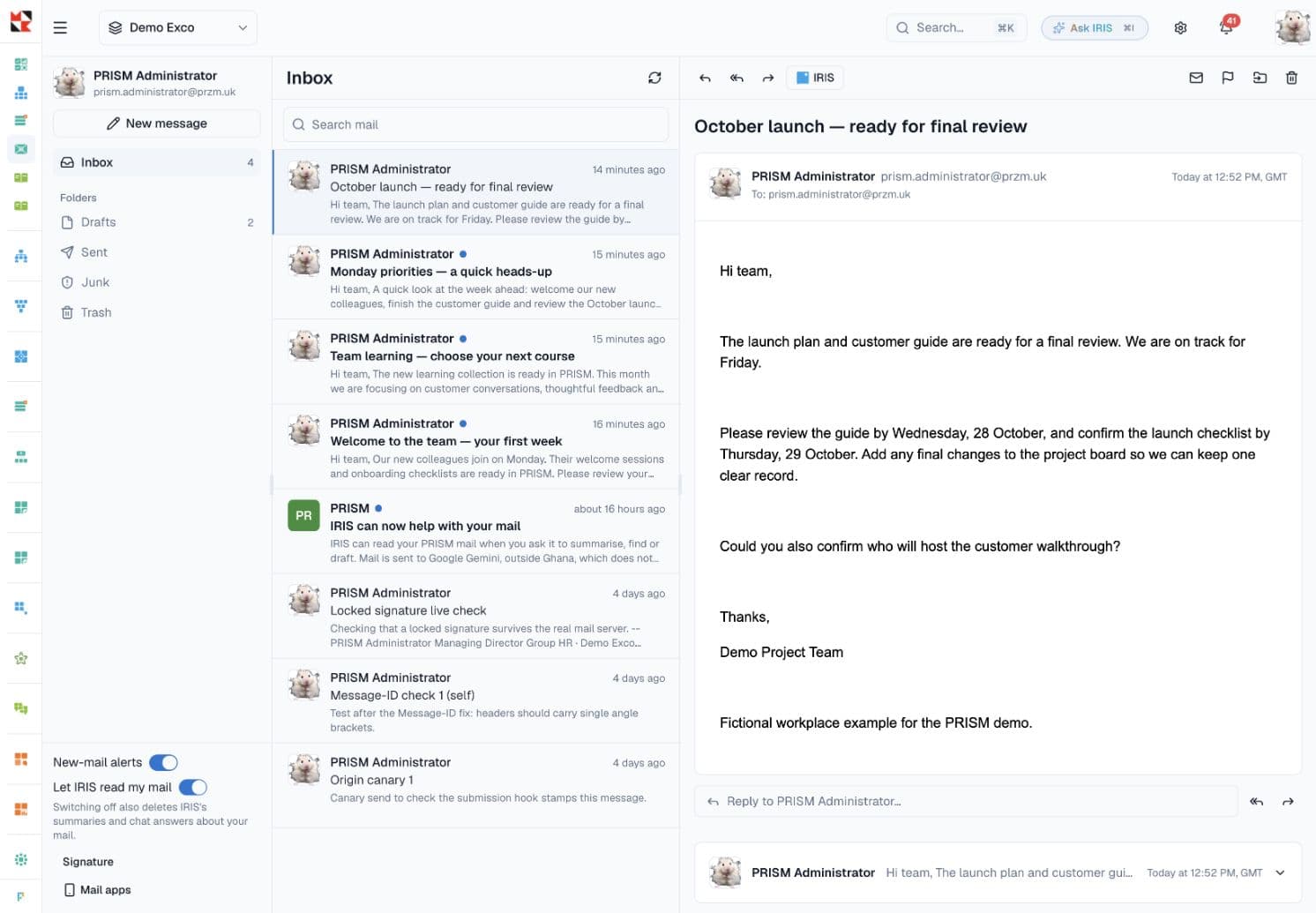
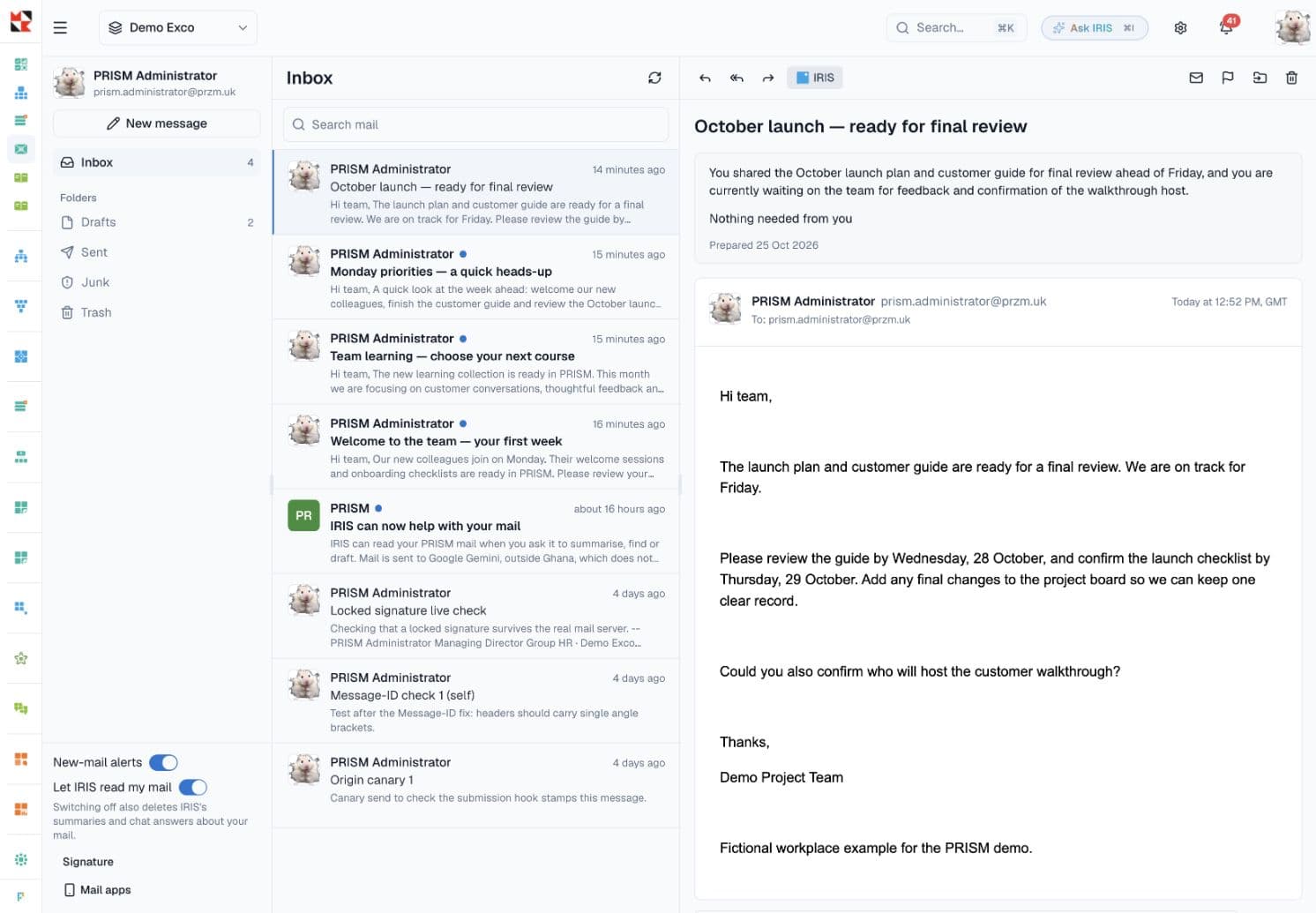
Read, reply, forward and keep things organised, with your workplace just a click away.
Follow threads, search your mail and organise messages into folders. Flags and read status help you keep track of what needs attention.
 IRIS in Mail
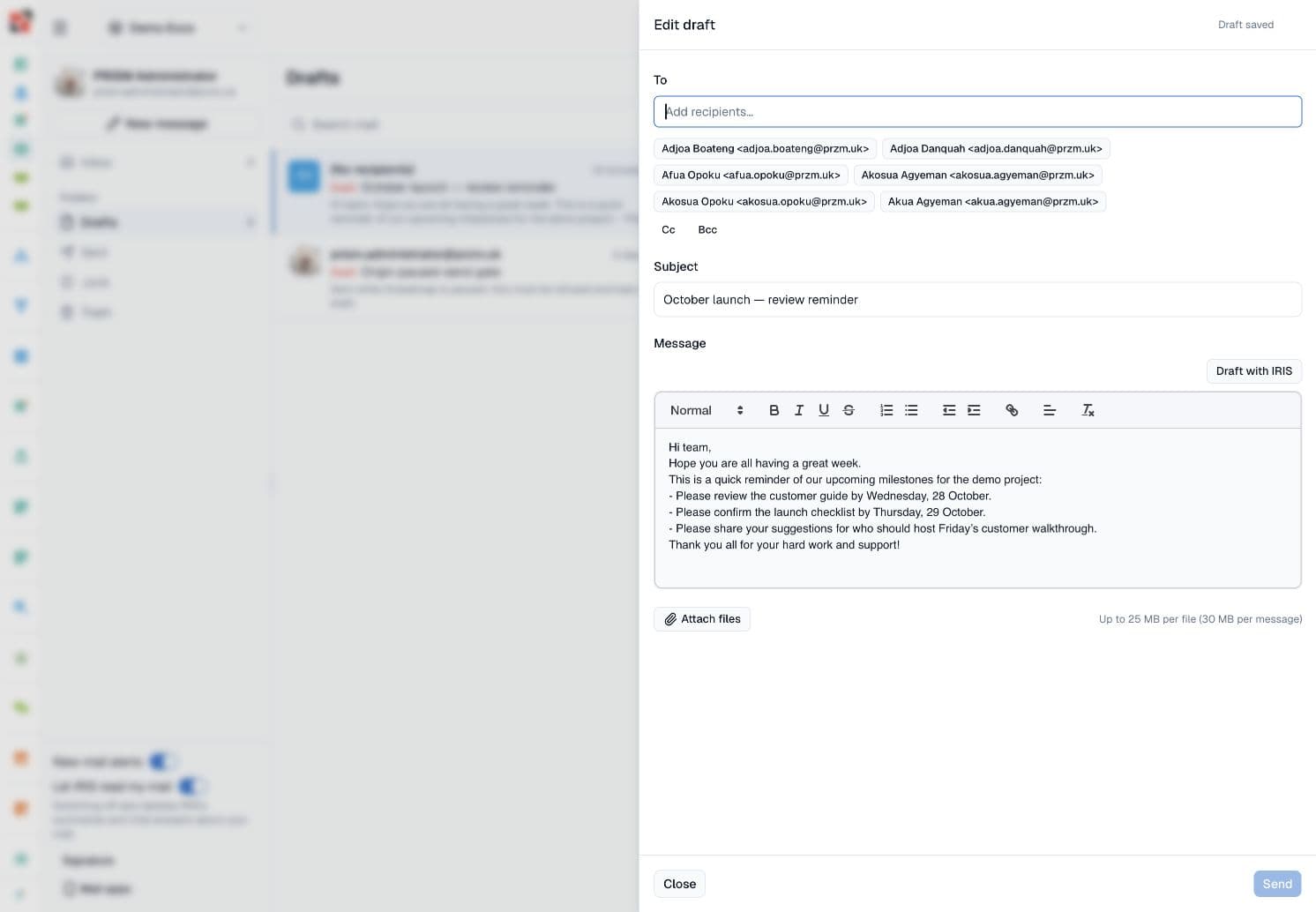
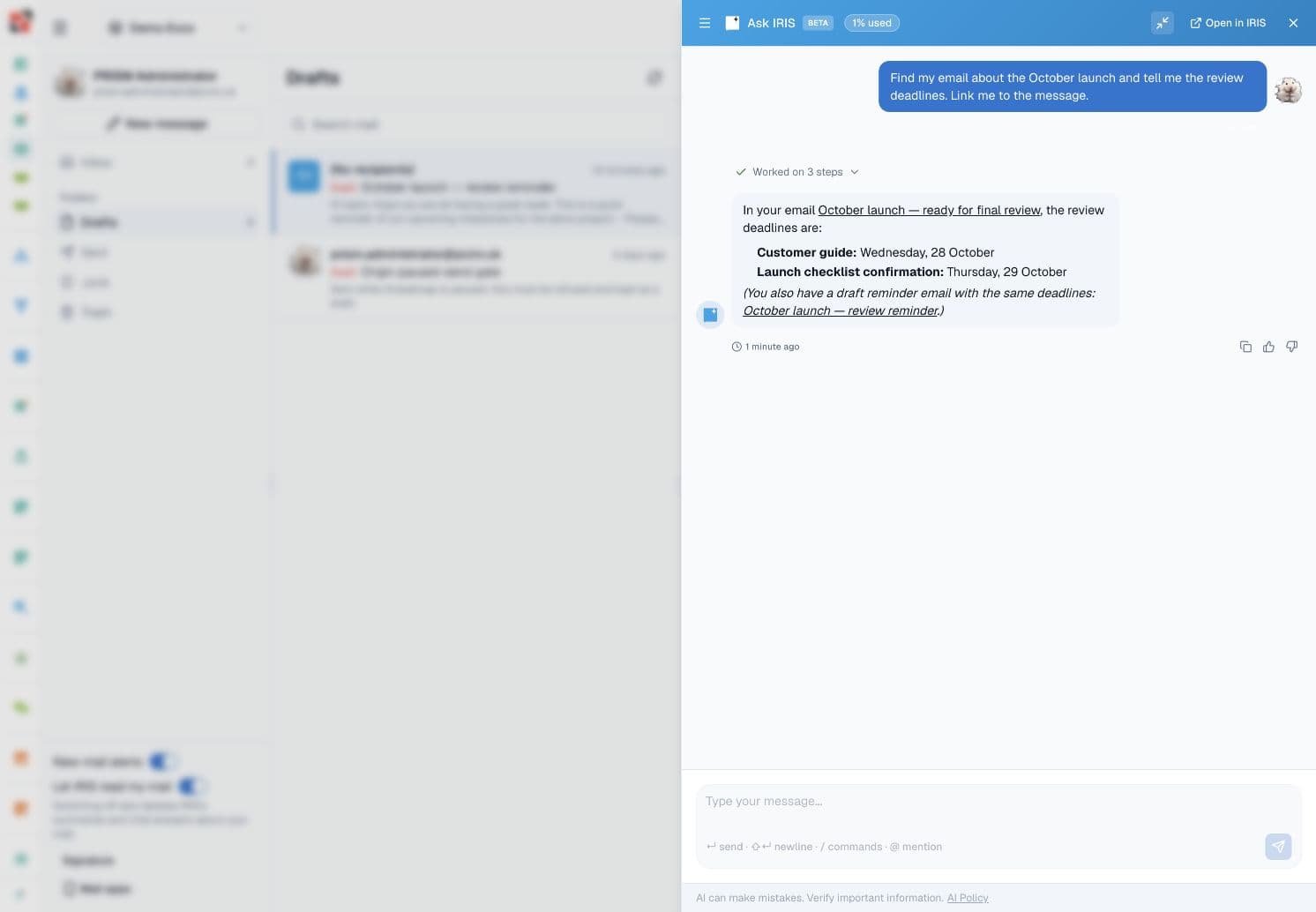
Find the message you need. Catch up on a thread. Get a first draft down. IRIS helps with your own mail, right where you’re reading it.
Company controls. Personal opt-out. Your AI credit allowance applies.
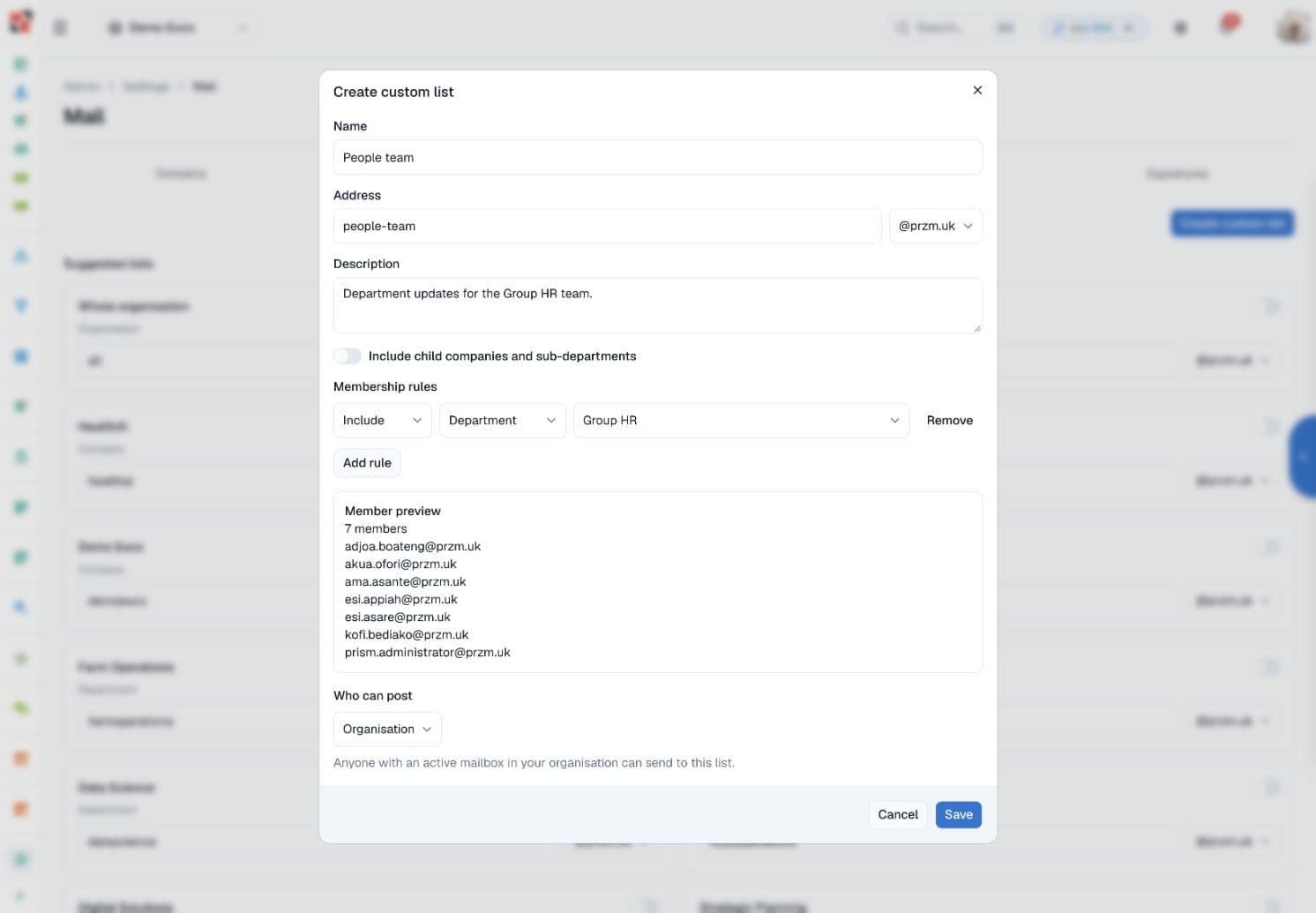
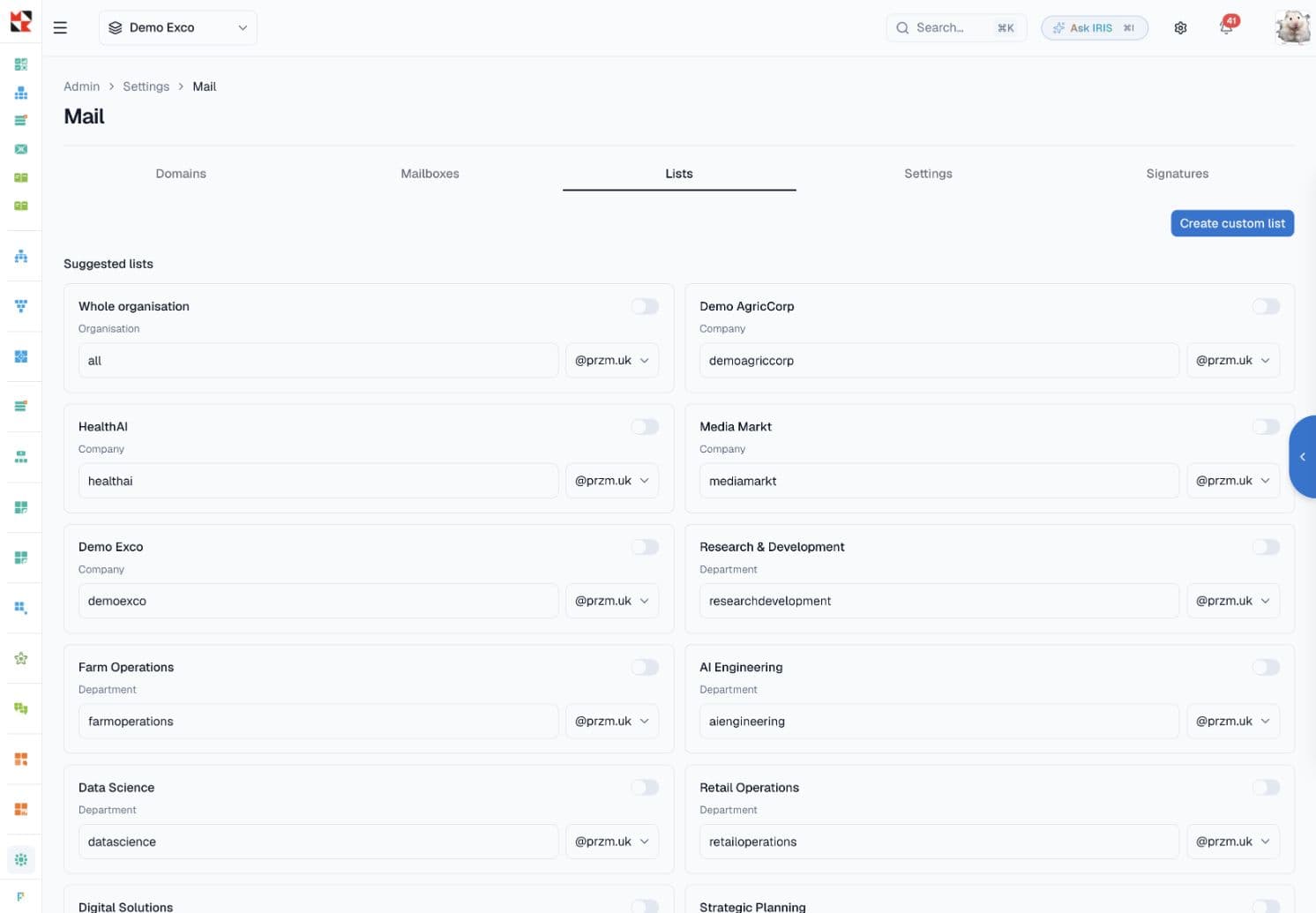
Your organisation already lives in PRISM. Use it to build mailing lists for your group, companies and departments.
Enable a suggested company or department list on your domain. Membership follows active mailboxes and primary roles, so your people records keep the audience current.
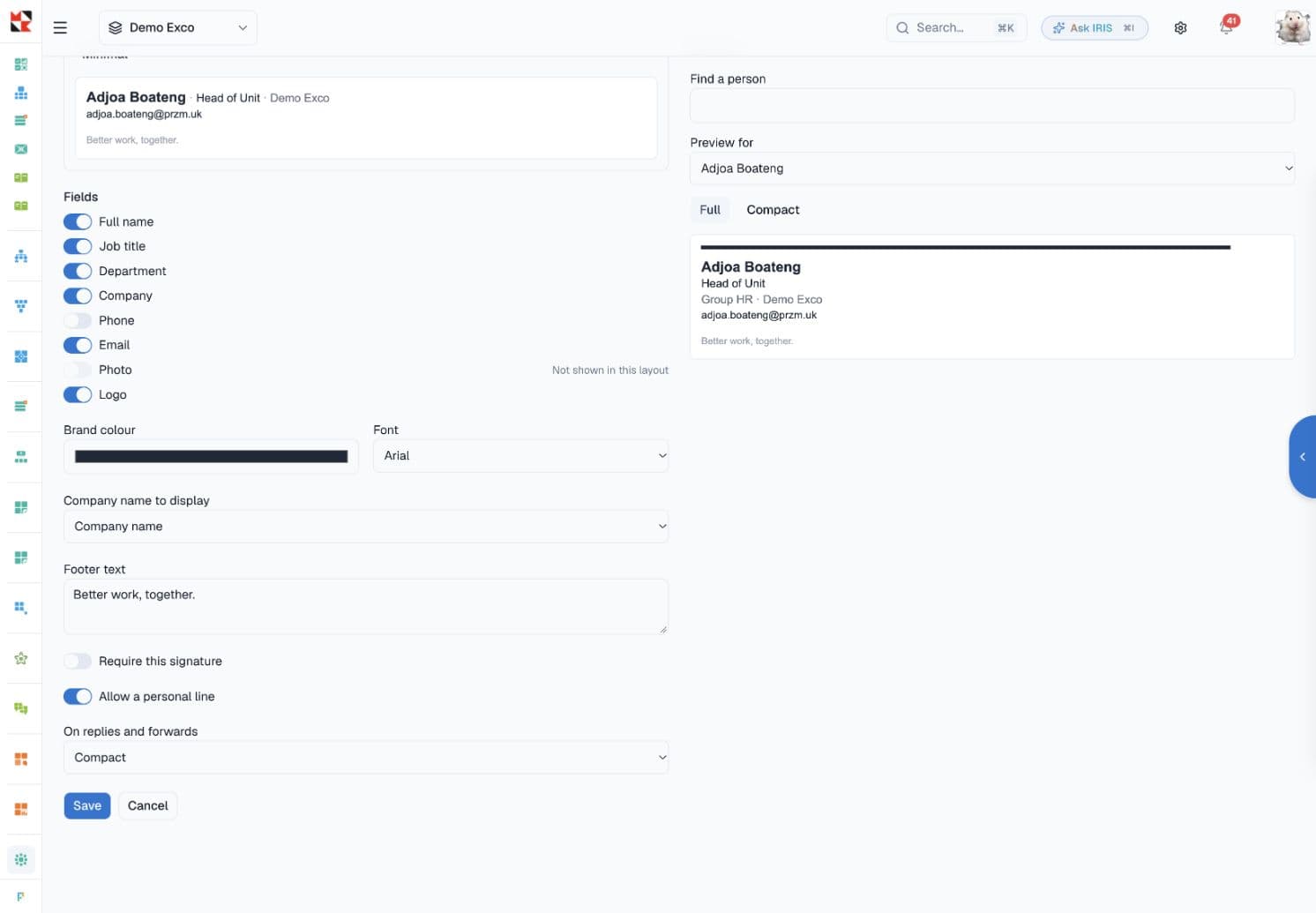
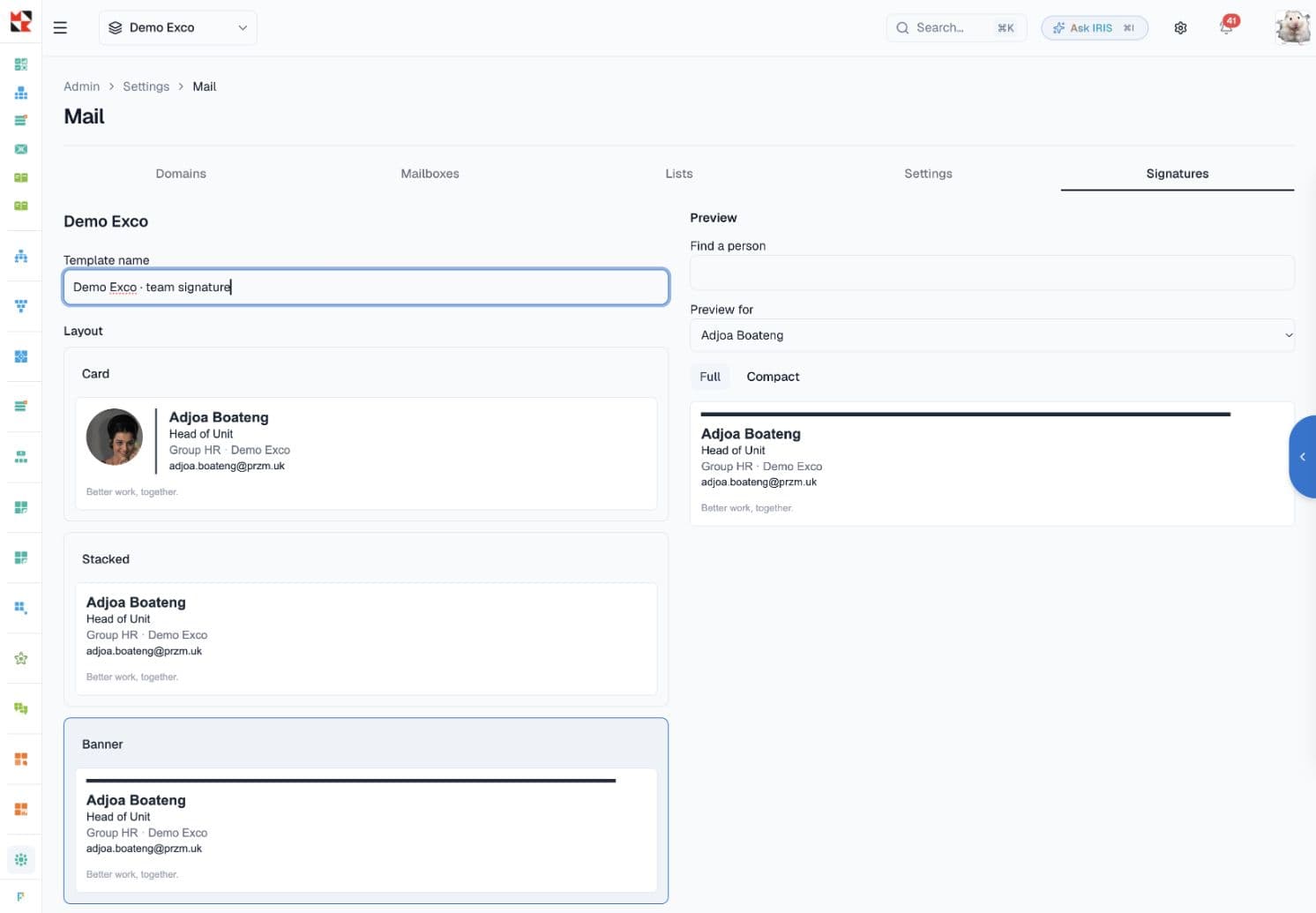
Create distinct signature templates for your group, companies and departments. Give each team its own identity, with a shared standard underneath.
Choose Card, Stacked, Banner or Minimal. Bring in your company logo, employee details and brand colour. Preview the design with a real member of your team before saving.
Keep personal mail private, define who can reach your lists and give your organisation control over access.
More about security at PRISMActive personal mailboxes are accessible only to their owners through PRISM. Administrator and support impersonation cannot open them.
Require two-factor sign-in or a passkey-authenticated session for webmail. Give each connected email app its own access and revoke it when needed.
Domain ownership and DNS checks guide your setup, including DKIM, SPF and DMARC records. List posting policies control who can reach each audience.
Email HTML is sanitised and isolated from the workplace interface. Remote images load through PRISM’s image proxy; suspected junk requires a choice to load them.
IRIS reads the mailbox of the person asking. Company settings, personal opt-out and usage limits control availability. You review drafts and send them yourself.
Work in PRISM on the web, or connect a supported email app when your organisation enables it. Each device has its own access that you can revoke.
Setup varies by app. Your administrator controls availability.
Available on active paid PRISM plans. We’ll help you work through the right setup for your team.
Verify the domain your company owns and configure the required mail records with your IT team.
Enable Mail, confirm your mailbox allowance and set your organisation’s access policies.
Set up signatures, mailing lists and supported email apps. Choose how your team uses IRIS in Mail.
See business email alongside your people, projects and everyday work. We’ll tailor the walkthrough to your team.